

PharmicoLearn
Brand guidelines
How to use our logo, colours and mascot — and the files to do it with.
Please use these freely. If you’re writing, posting or talking about PharmicoLearn, our logo, colours and Phil are yours to use. What you make is your own — we only ask that our branding reaches people unchanged.
Colours
Our colours
Font
Our typeface
Poppins
We set everything in Poppins.
Logo
Using our logo

Always on white or a light background
Please do
- Use the files exactly as they come
- Keep it on white or light backgrounds
- On dark or photo backgrounds, use the white card version
- Give it a bit of space
Please don’t
- Change its colours
- Stretch, squash or tilt it
- Retype our name in another font
- Add shadows, outlines or effects
Downloads
Download the files
On a phone, press and hold an image to save it. On a laptop, use the download button.
Logos
Logo files
- Download
Full logo
PNG · 1814×400
The default. White or light backgrounds.
 Download
Full logo on white card
PNG · 998×205
For dark backgrounds and photos.
 Download
Icon
PNG · 1289×1289
Profile pictures and small spaces.
 Download
Icon on white card
PNG · 189×189
The icon for dark backgrounds and photos.
 Download
Wordmark
SVG · scales to any size
Name only, no icon. Stays sharp however big you go.
 Download
App icon
PNG · 1024×1024
What the app looks like on a home screen. Don't round the corners yourself — phones do that.





Phil
Our mascot
 Download
Waving
PNG · 722×976
The safe default.
 Download
Celebrating
PNG · 470×584
Wins and good news.
 Download
Thumbs up
PNG · 437×606
Approval and a job well done.
 Download
Thinking
PNG · 401×589
Questions and puzzles.
 Download
Searching
PNG · 621×991
Looking for something.
 Download
Presenting
PNG · 503×652
Pointing at text or an image.






Screenshots
App imagery
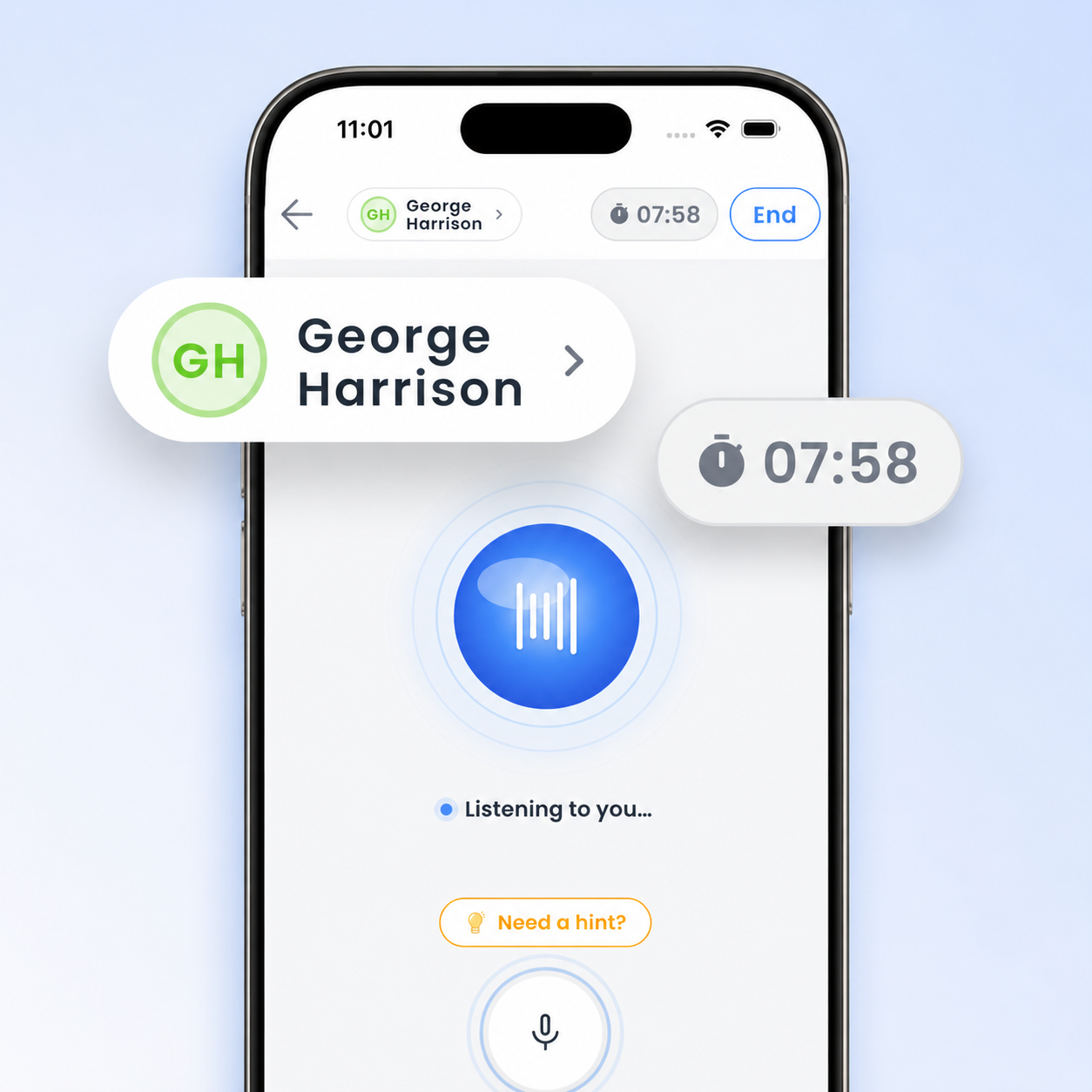
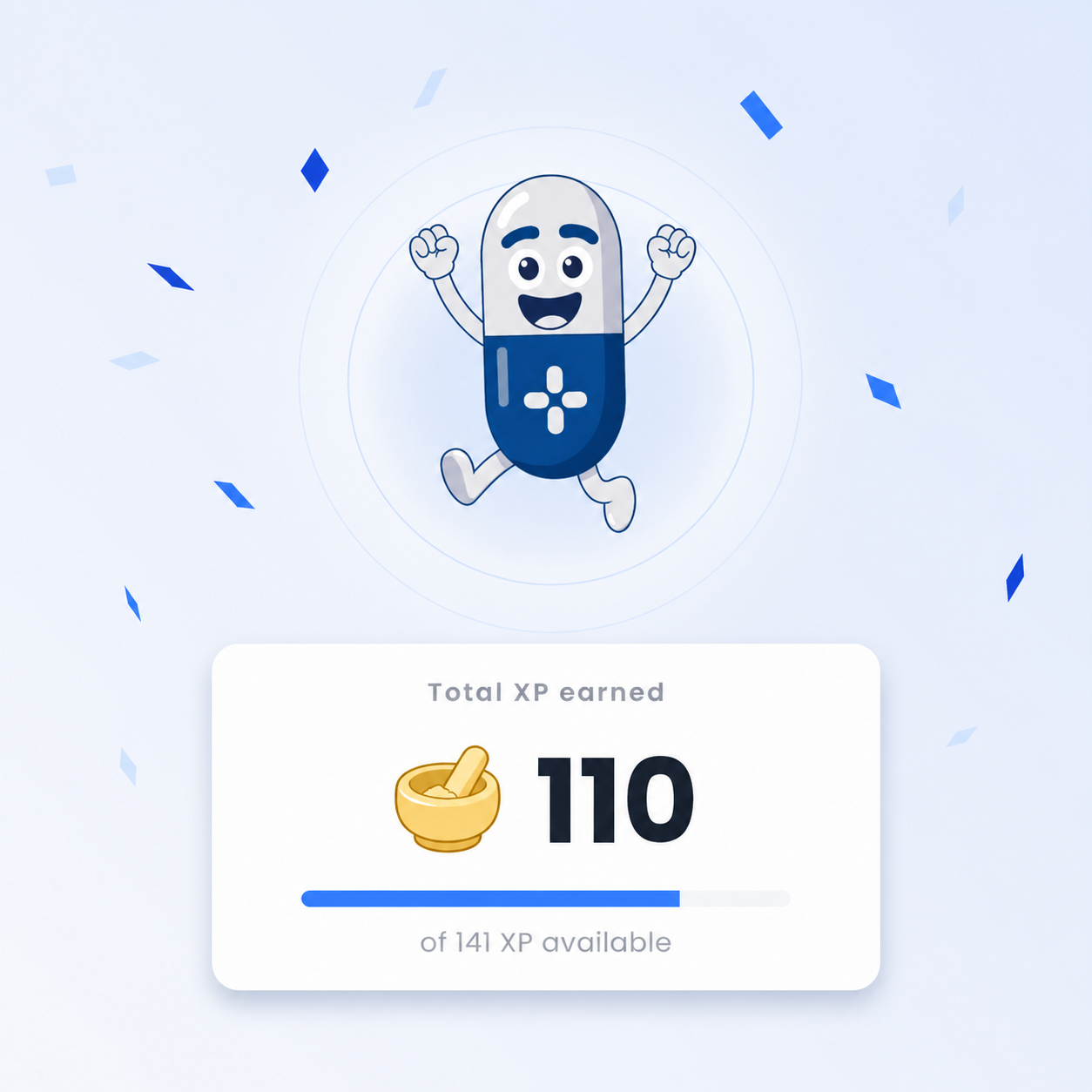
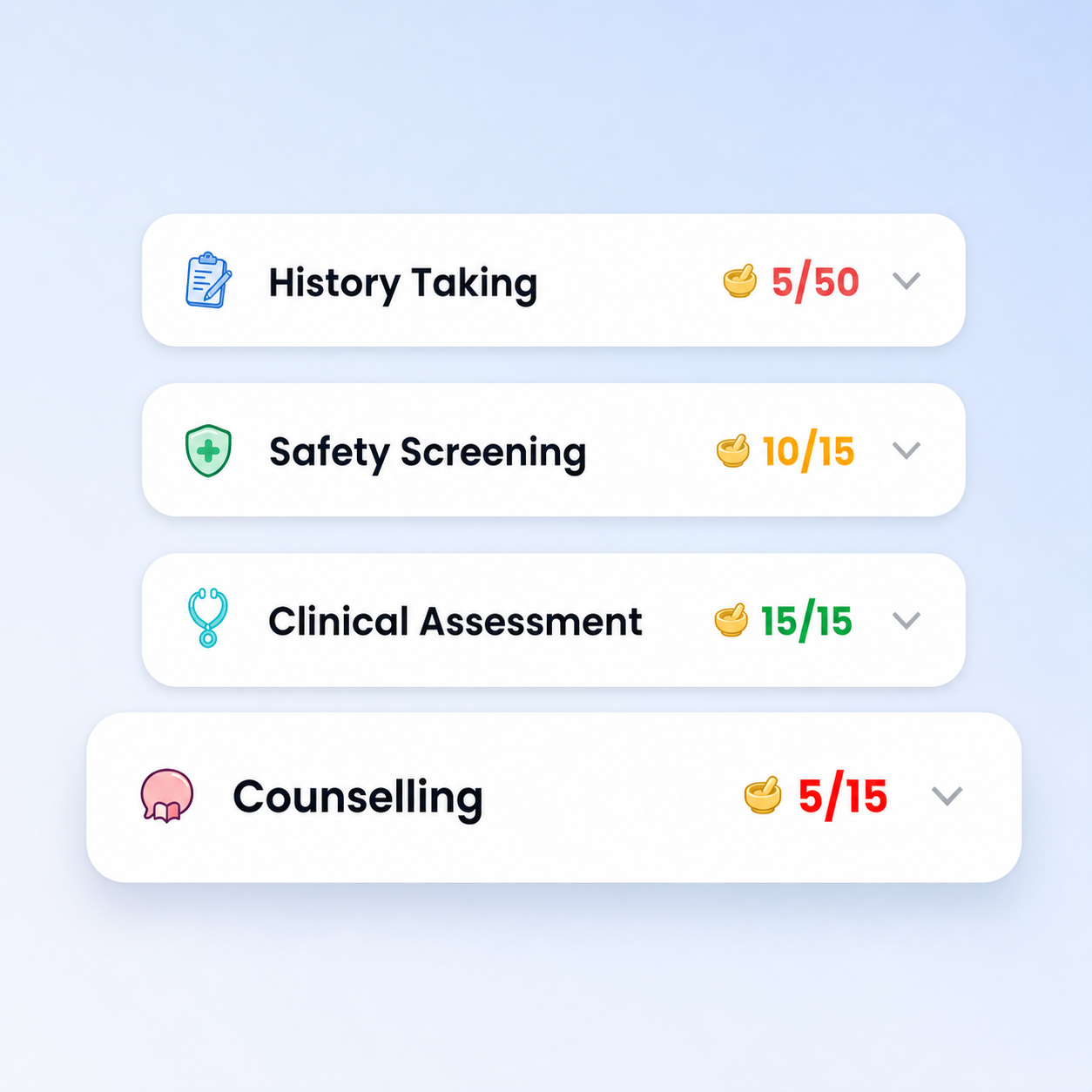
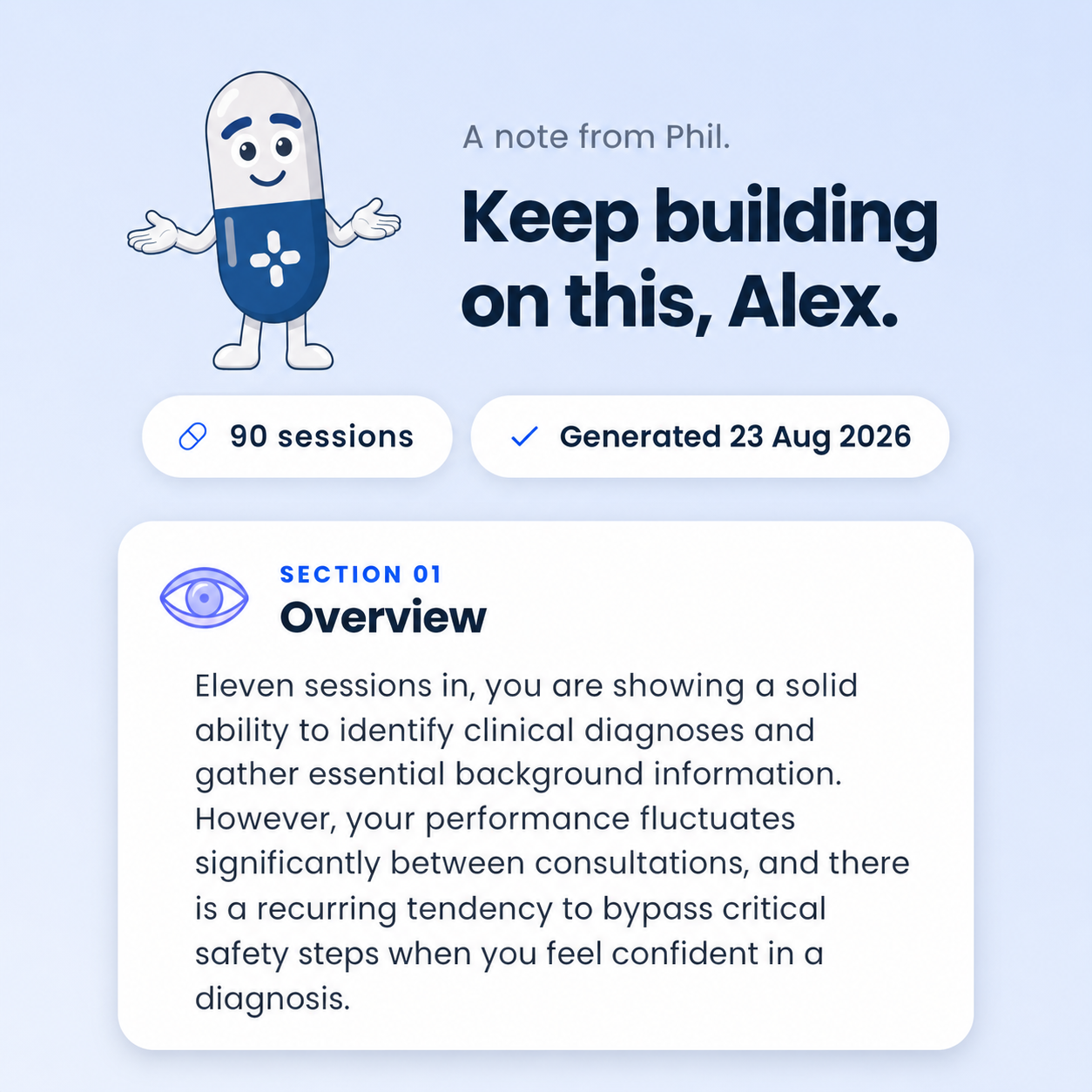
Use these as they are when showing the app. You’re equally welcome to capture your own.
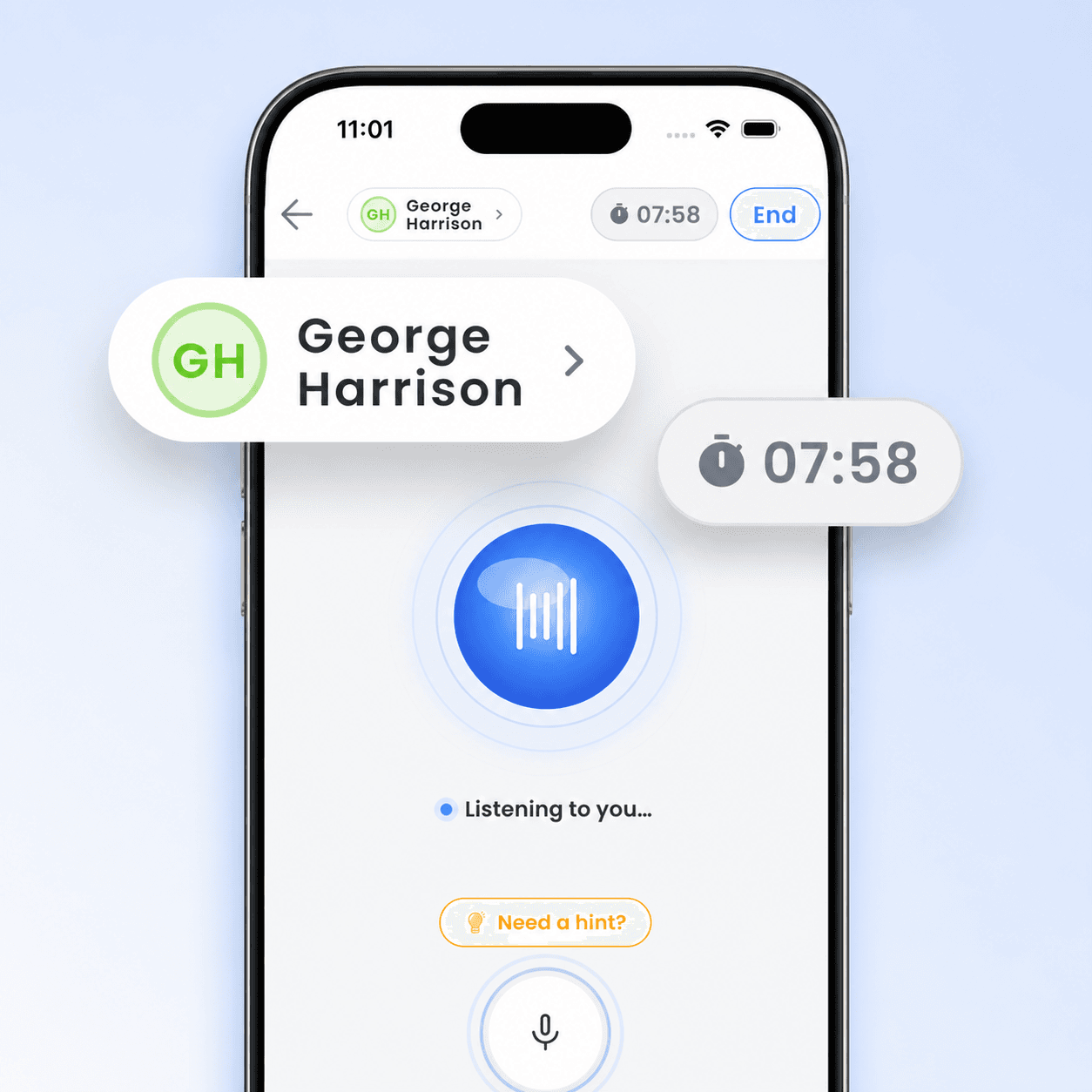 Download
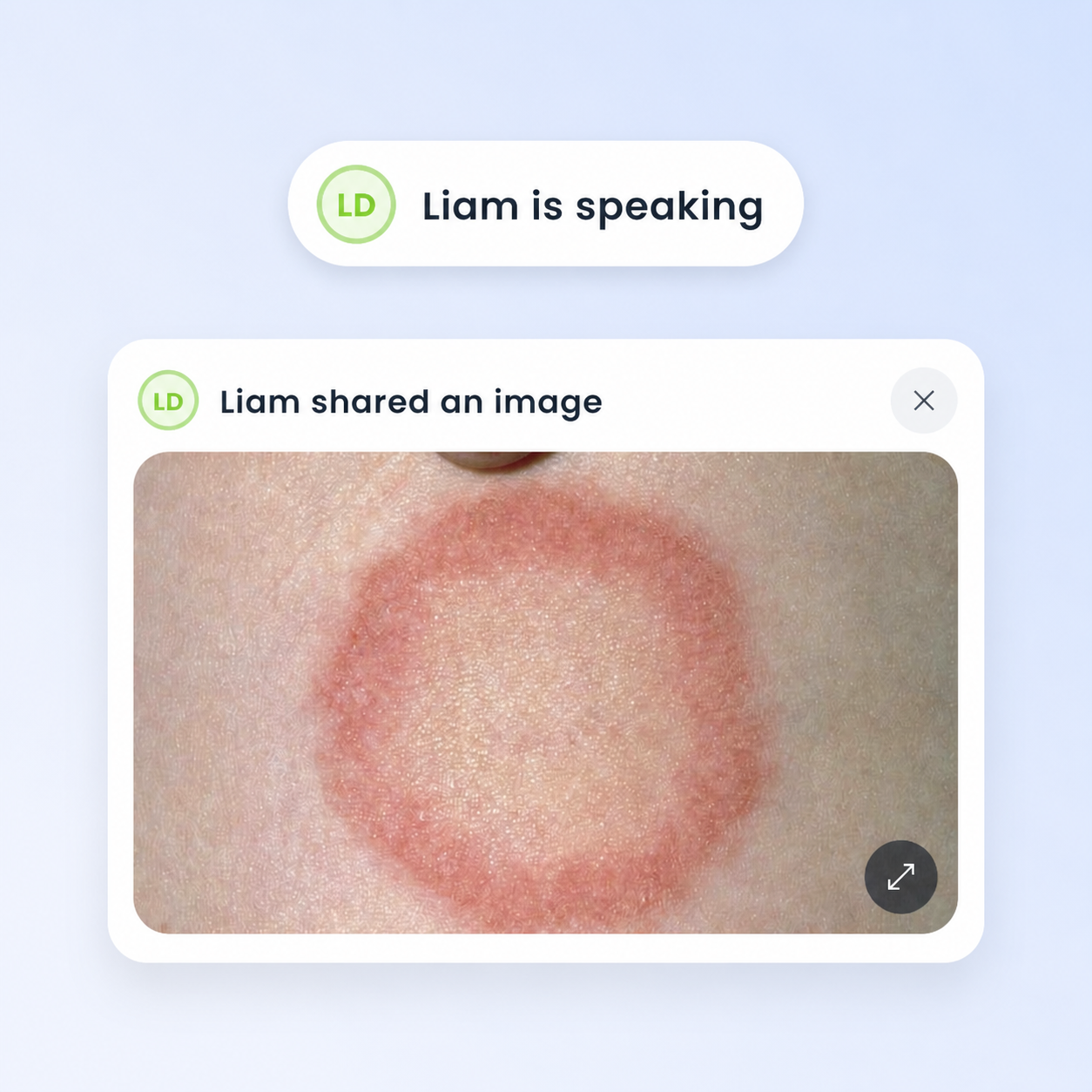
Live consultation
PNG · 1254×1254
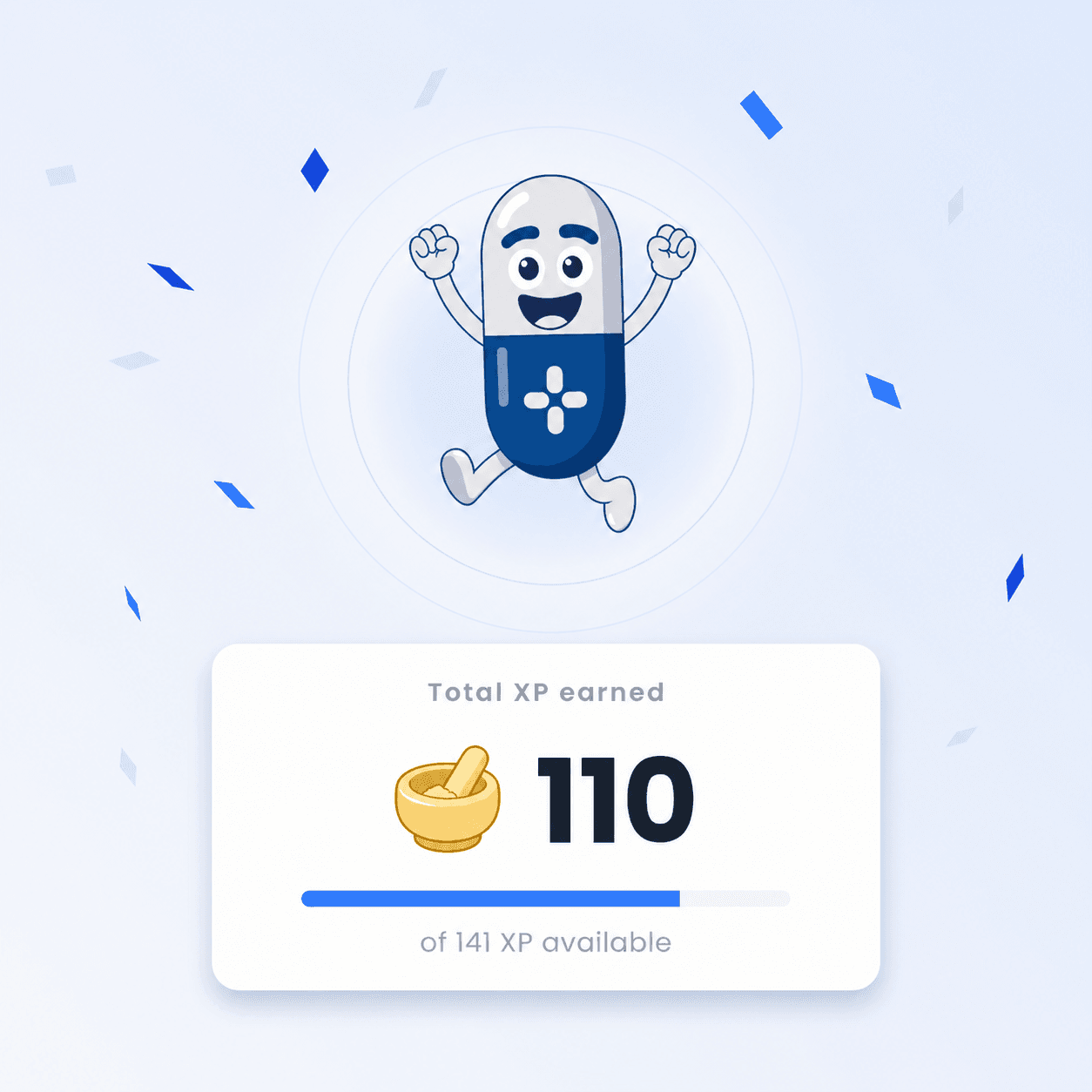 Download
Instant feedback
PNG · 1254×1254
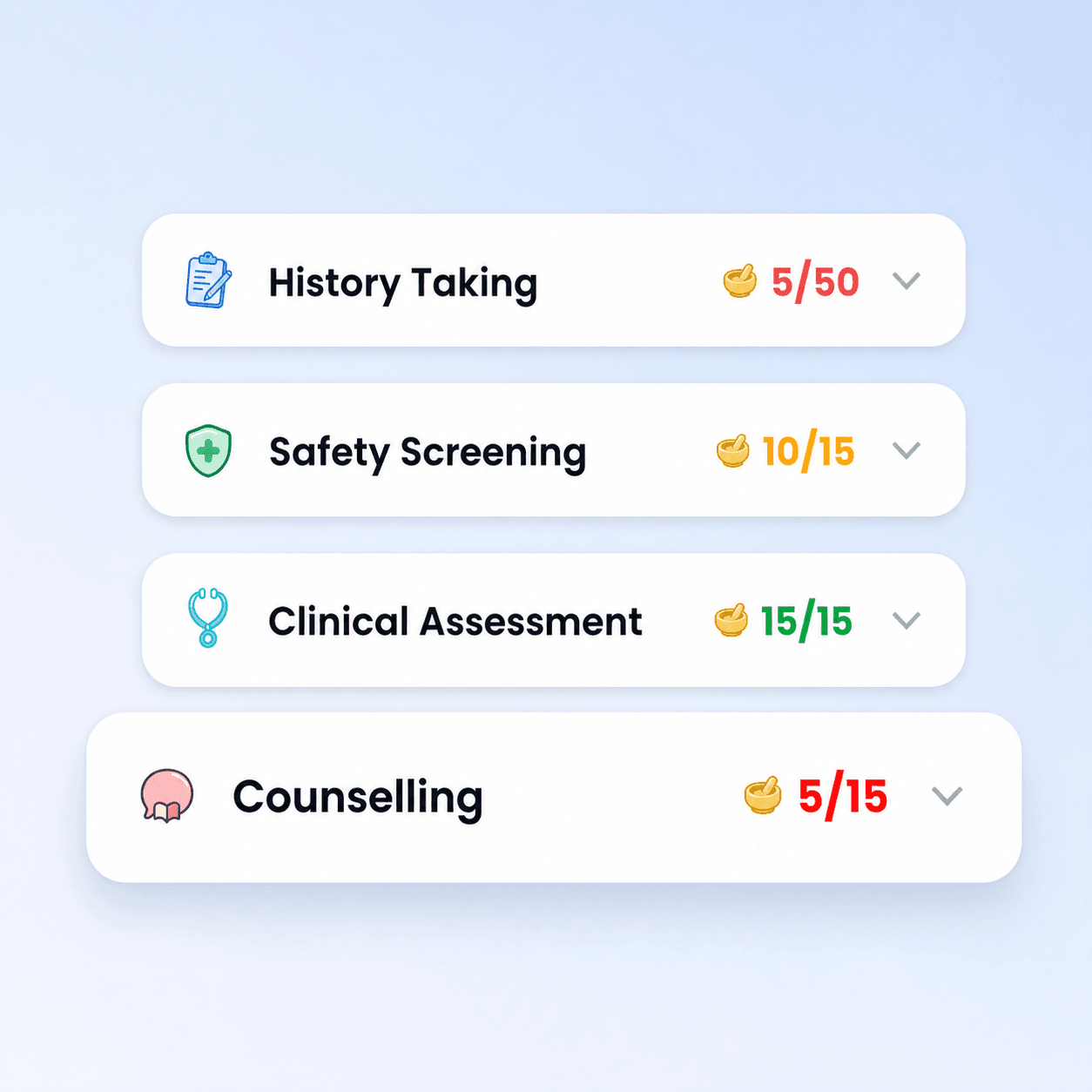 Download
Detailed marking
PNG · 1254×1254
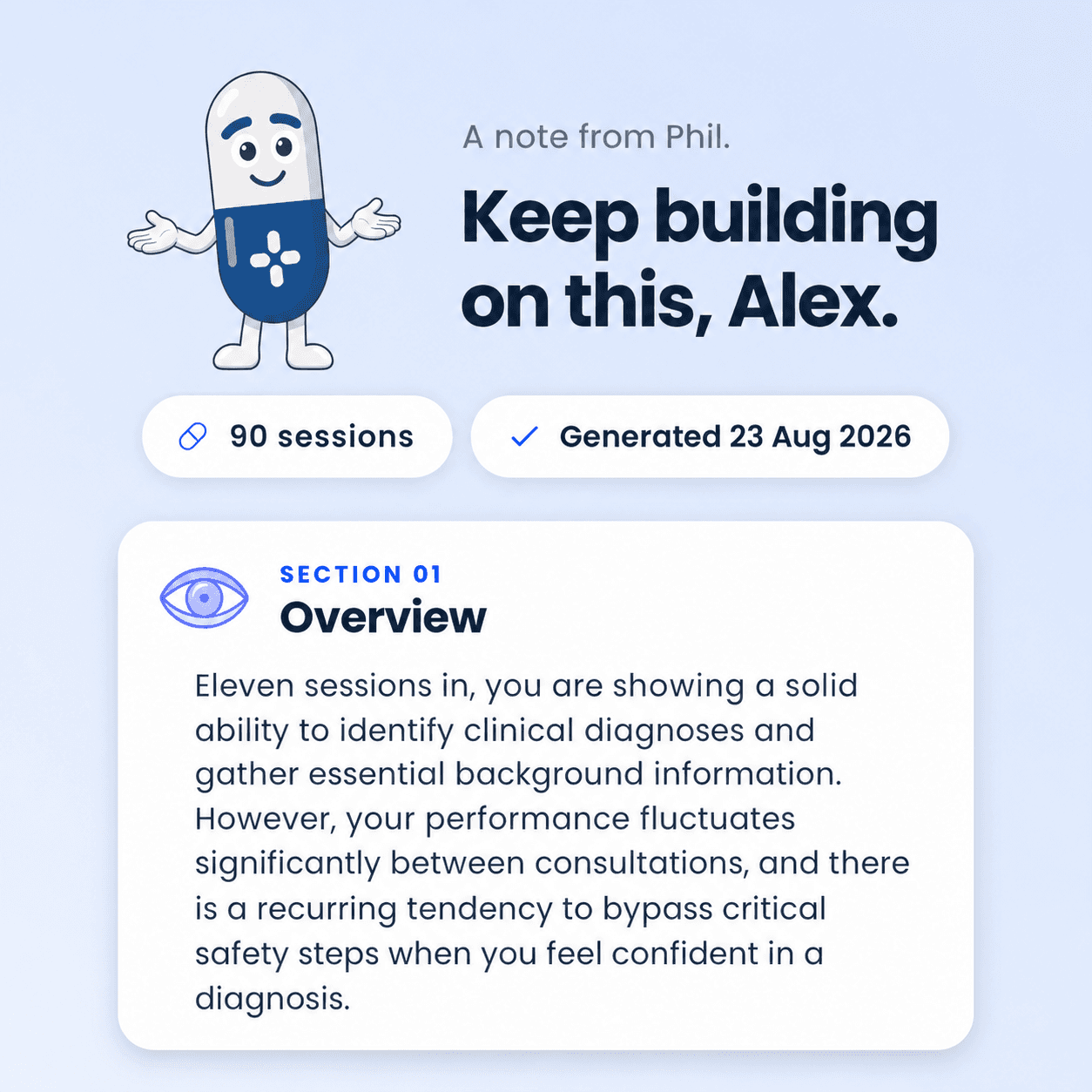 Download
Full debrief
PNG · 1254×1254
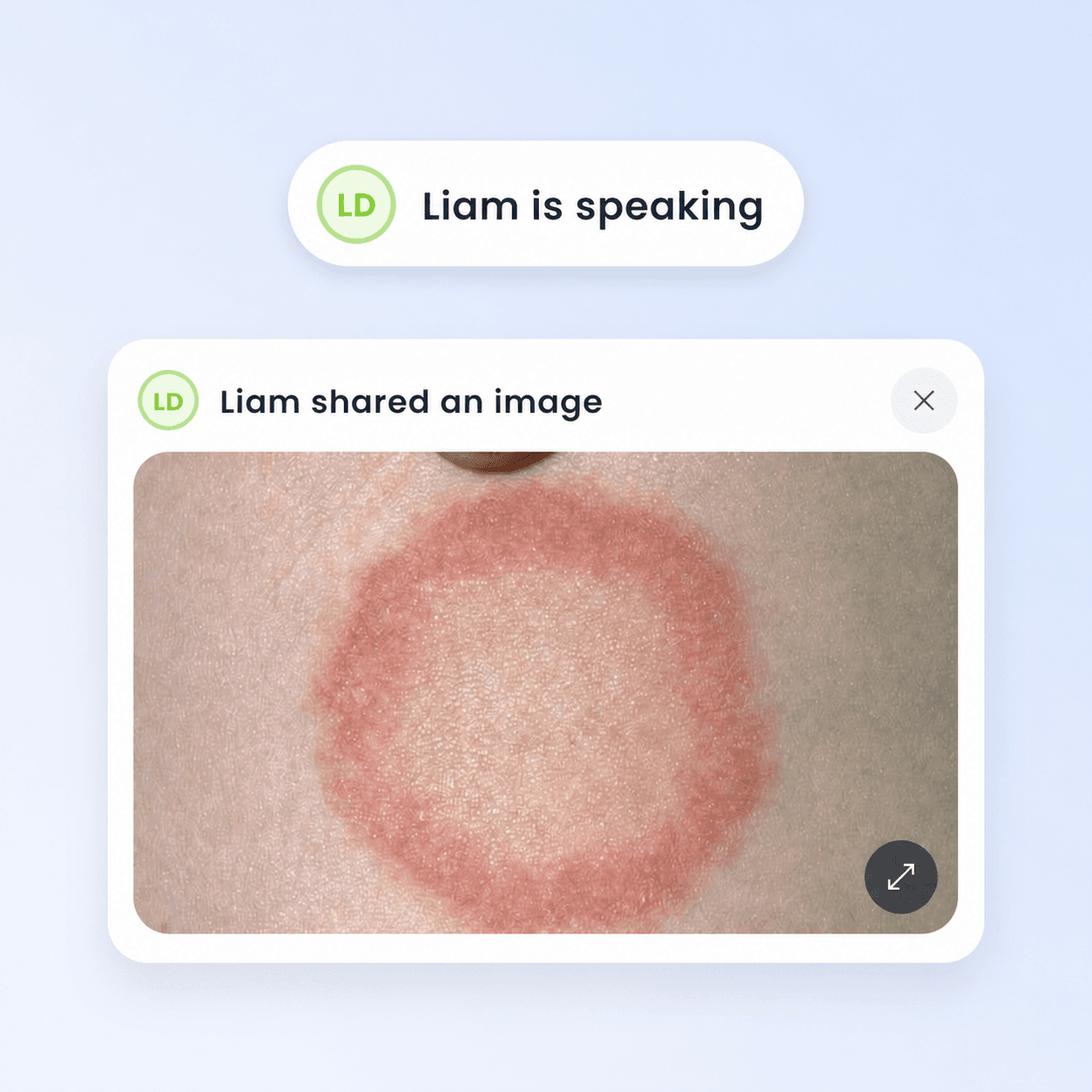 Download
Realistic scenarios
PNG · 1254×1254
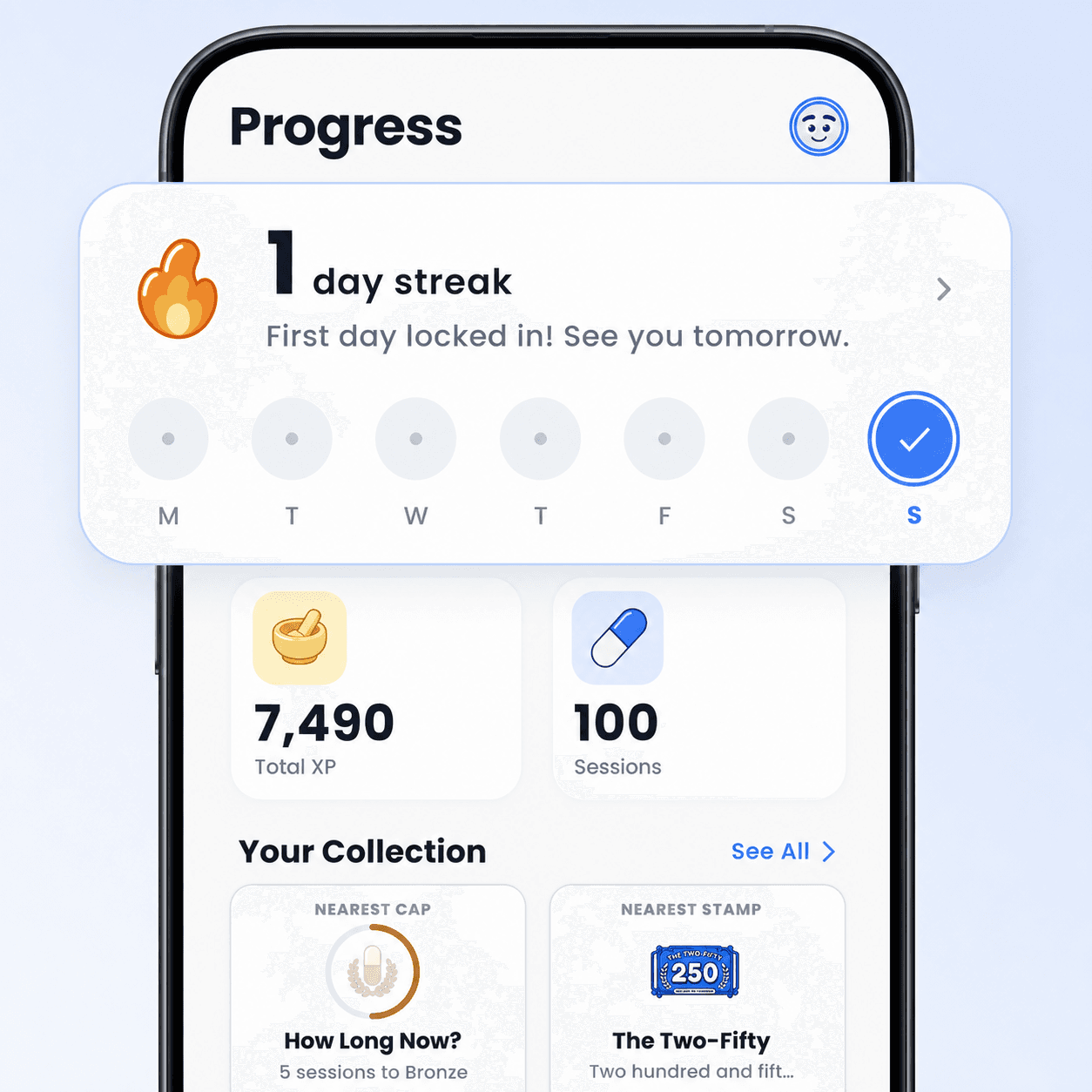 Download
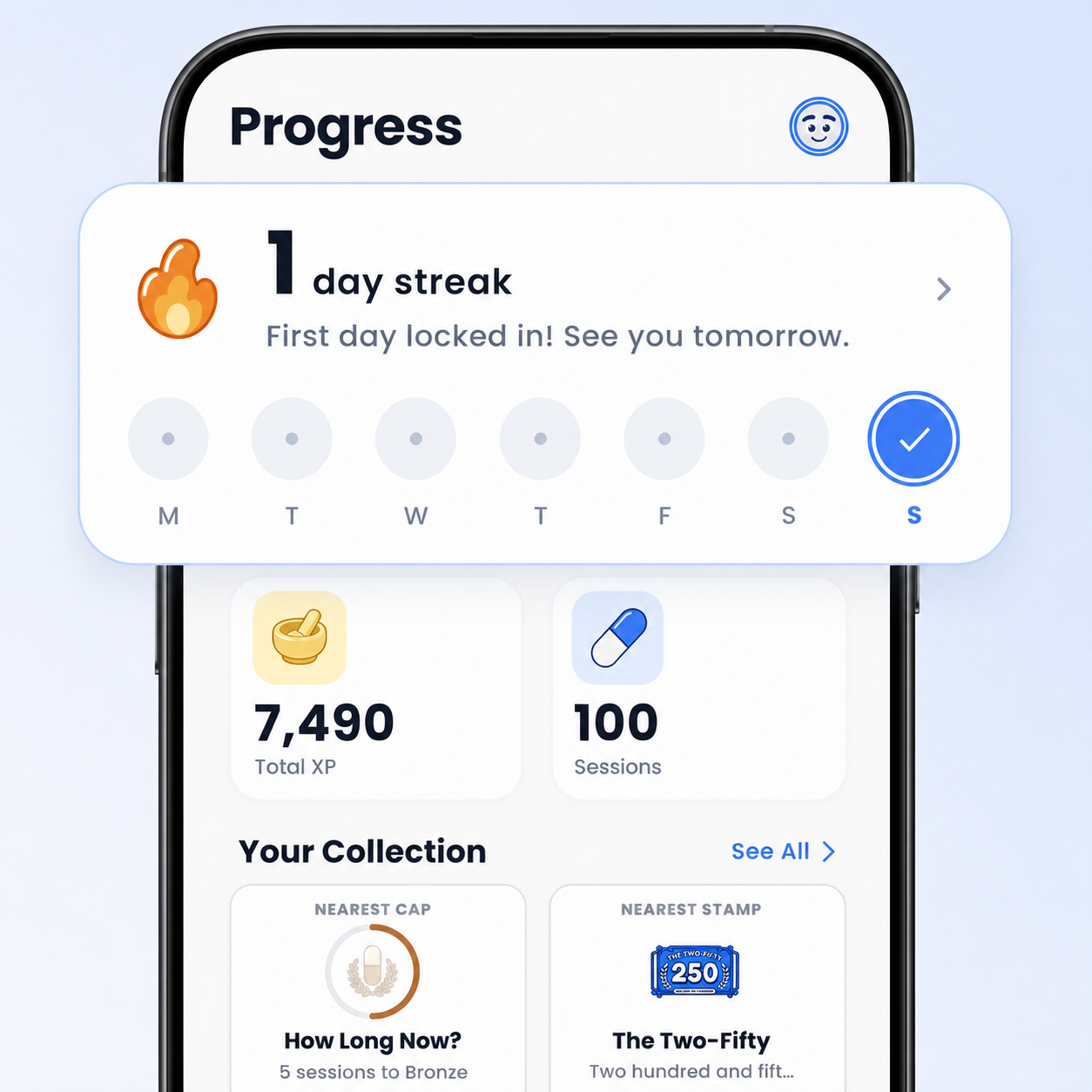
Progress tracking
PNG · 1254×1254
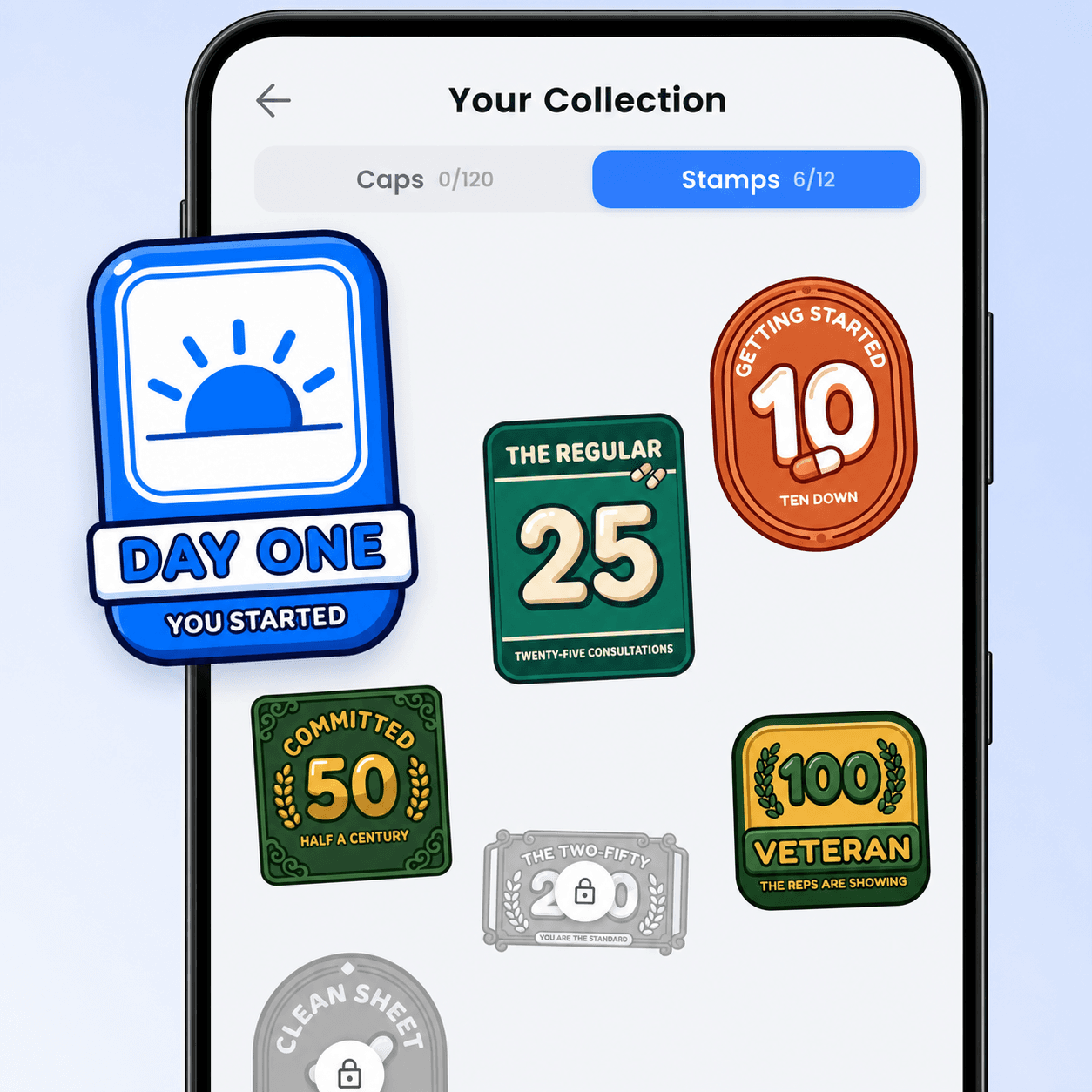 Download
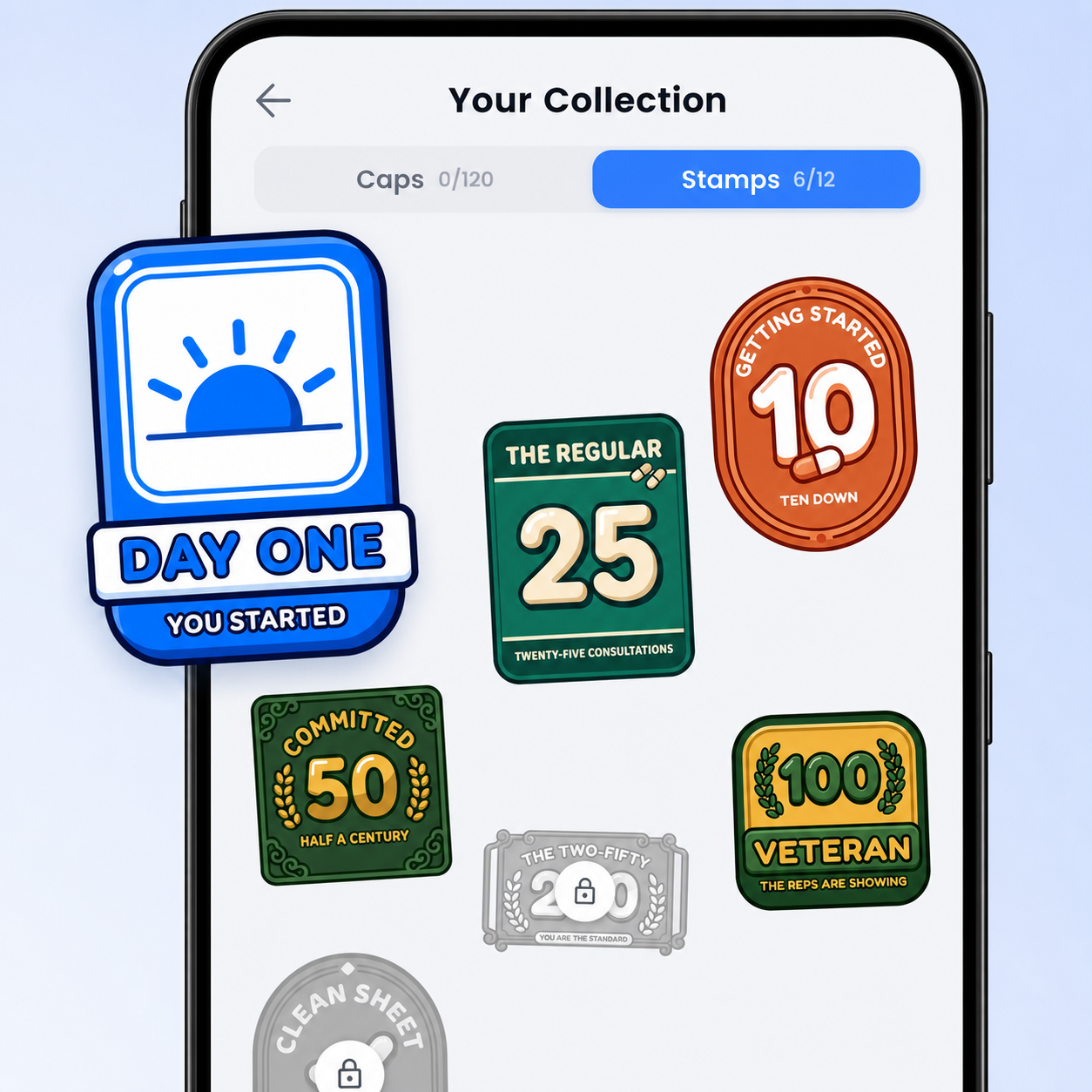
Achievements
PNG · 1254×1254
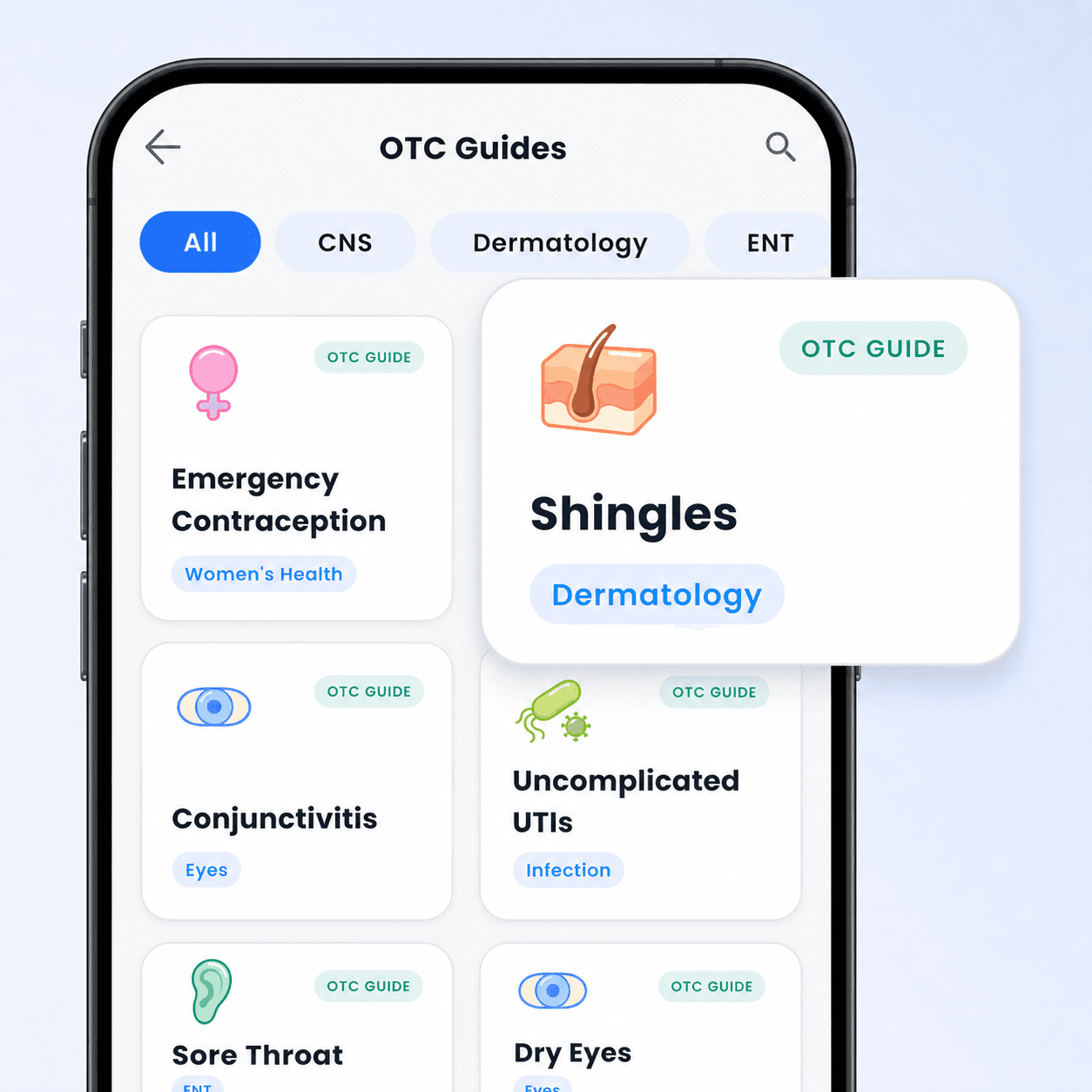 Download
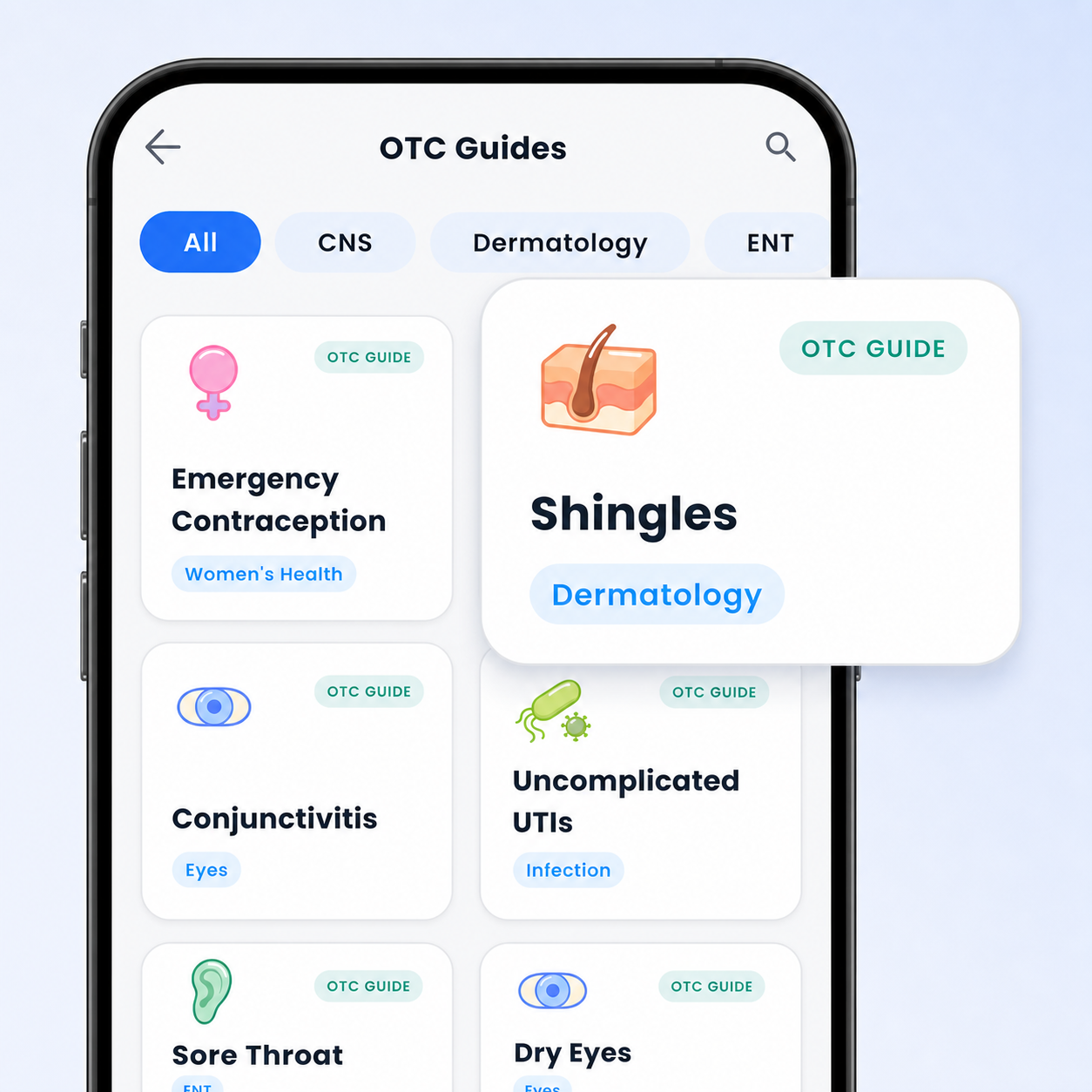
Study guides
PNG · 1254×1254
Need something that isn’t here, or not sure whether something is allowed? Get in touch — we’d far rather help than have you guess.